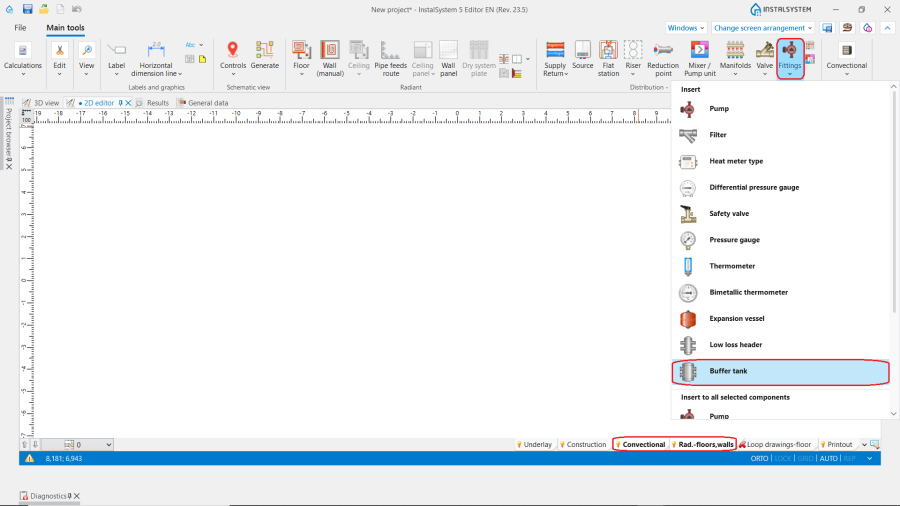
The 缓冲水箱 icon can be found in the 2D Editor window on the 主工具 toolbar in 对流 and 地面/墙面辐射 sections:
1. Insert Buffer tank.
Example of use
Placing the component
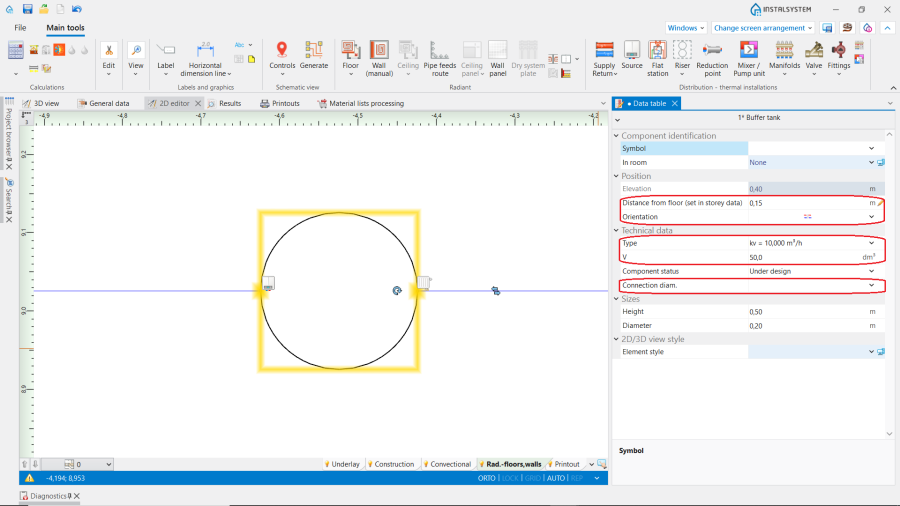
After placing the 缓冲水箱 at the desired location on the plan, the following data may be entered or changed in the 参数表 window:
与地面的距离(在楼层管理中设置)
类型 from a catalogue
For the 不是来自目录中的配件 choose the 方向, 接口尺寸 and enter the values of 水的容积 and dimensions.
Respect the proper orientation - the element has "heat source side" and "terminals side".
2. 参数表.
Connecting the component
After all system components have been placed on the drawing, the 缓冲水箱 should be connected to the source on one side (primary circuit) and to the system on the other side (secondary circuit). Connection to the 缓冲水箱 is made by using 供 and 回 pipelines.
A 泵 must be installed on the secondary side.
Additional information
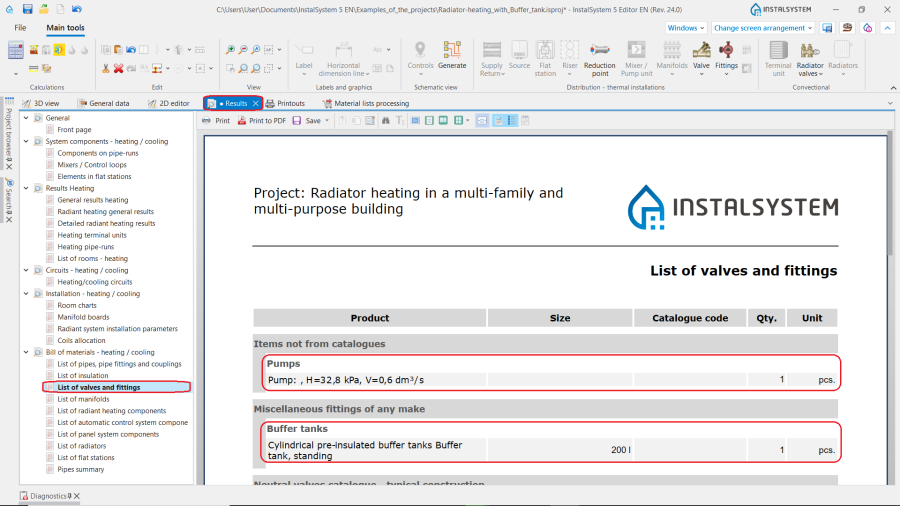
After running calculations the information on the type of the 缓冲水箱 and the 泵 can be found in the 结果 window.