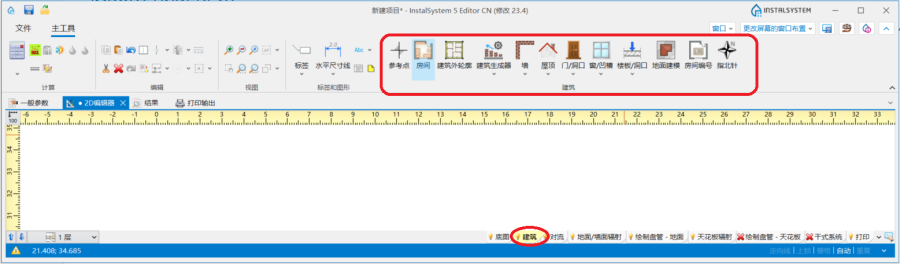
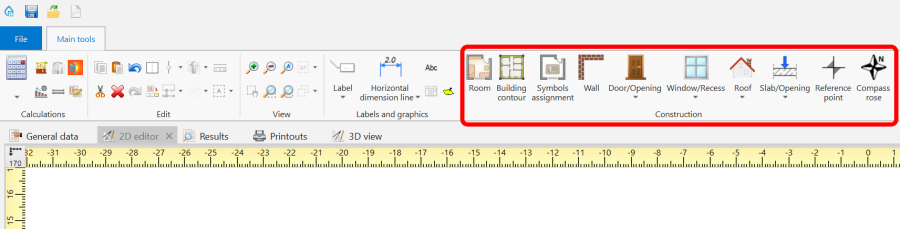
Icons of elements and functions concerning the building structure are available in the 2D editor window in the 主工具 bar in the 建筑 section when the 建筑 editing scope is enabled. 1. Building structure elements
Computation of building structure
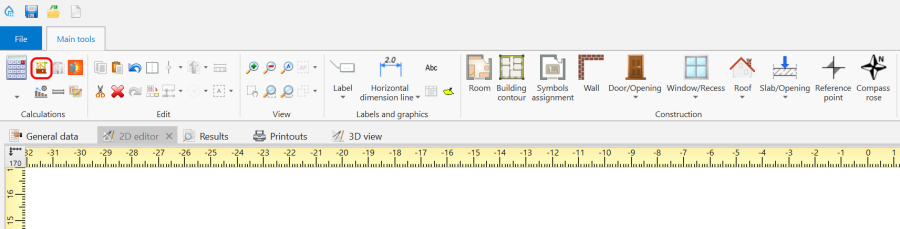
建筑结构计算 is available in the 主工具 bar in the 计算 section. 2. 建筑结构计算
Examples of use
1. Create the outline of the loggia using the 墙 element. Then adjust the outer walls.
roofed loggia,
roofless loggia - in order to cut out a fragment of the 屋顶 use the 屋顶开洞 element,
loggia with a roof with an opening - in order to cut out a fragment of the 屋顶 use the 屋顶开洞 element and then use 添加屋顶边缘,