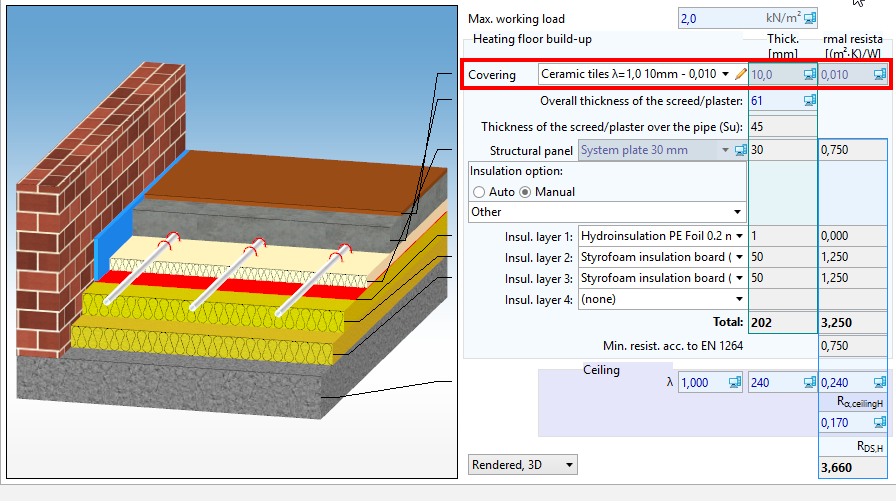
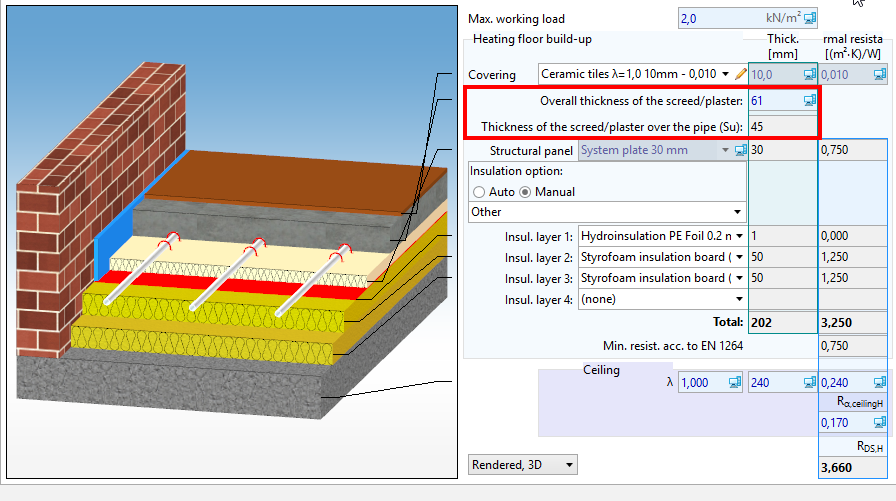
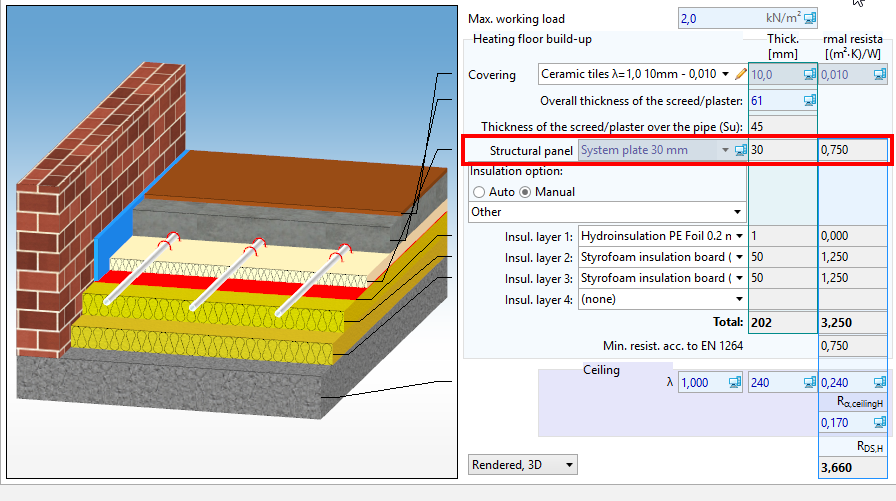
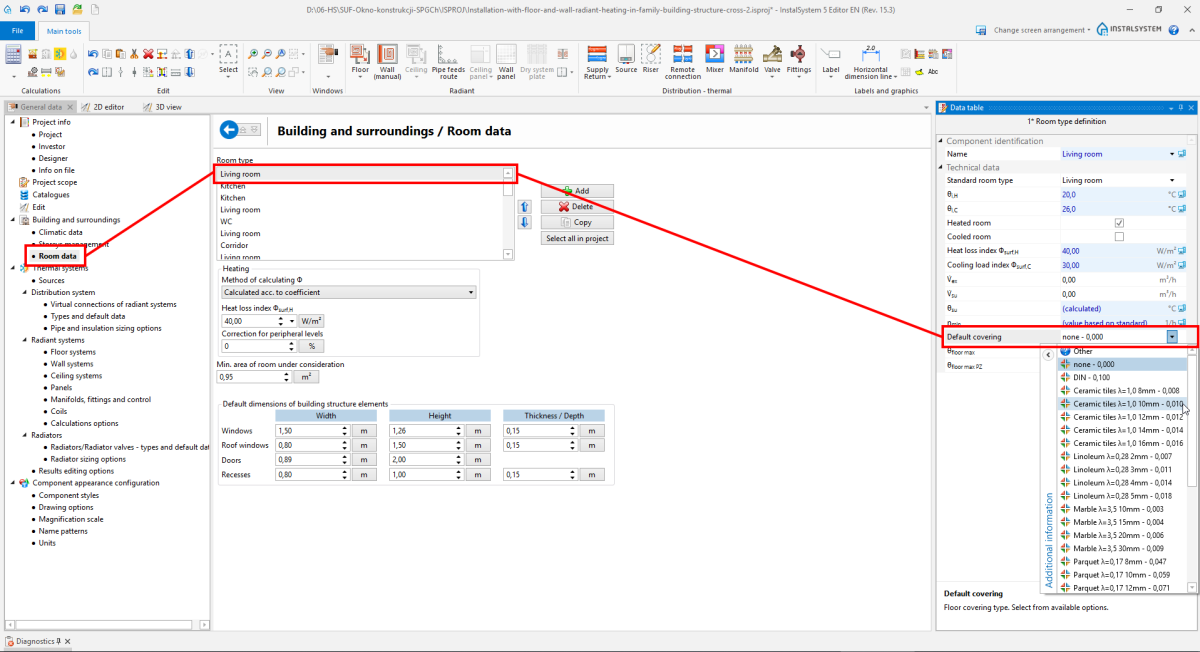
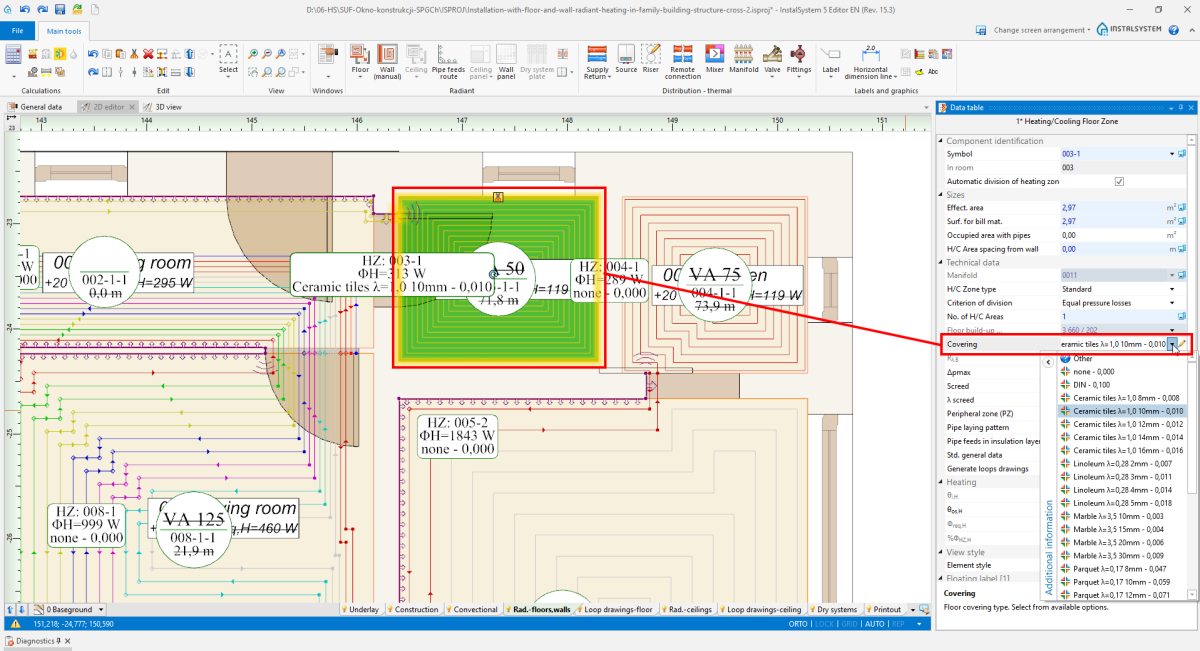
there are more structural panels than one for a given fastening method. 11. 系统构造板- choose from一般参数
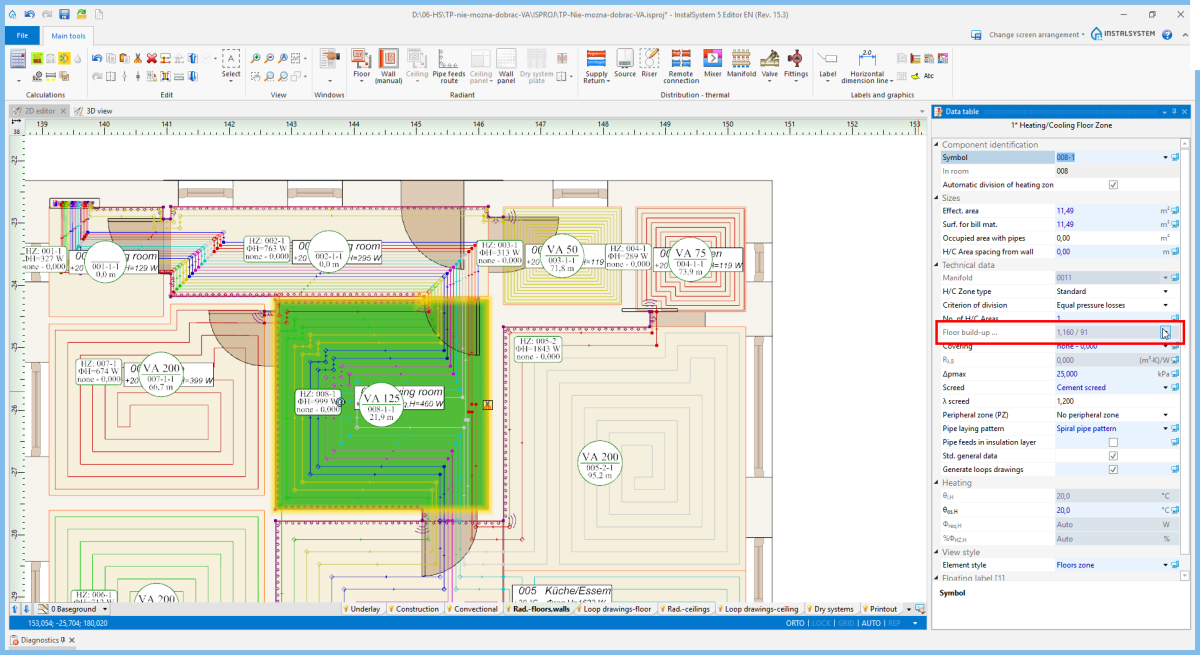
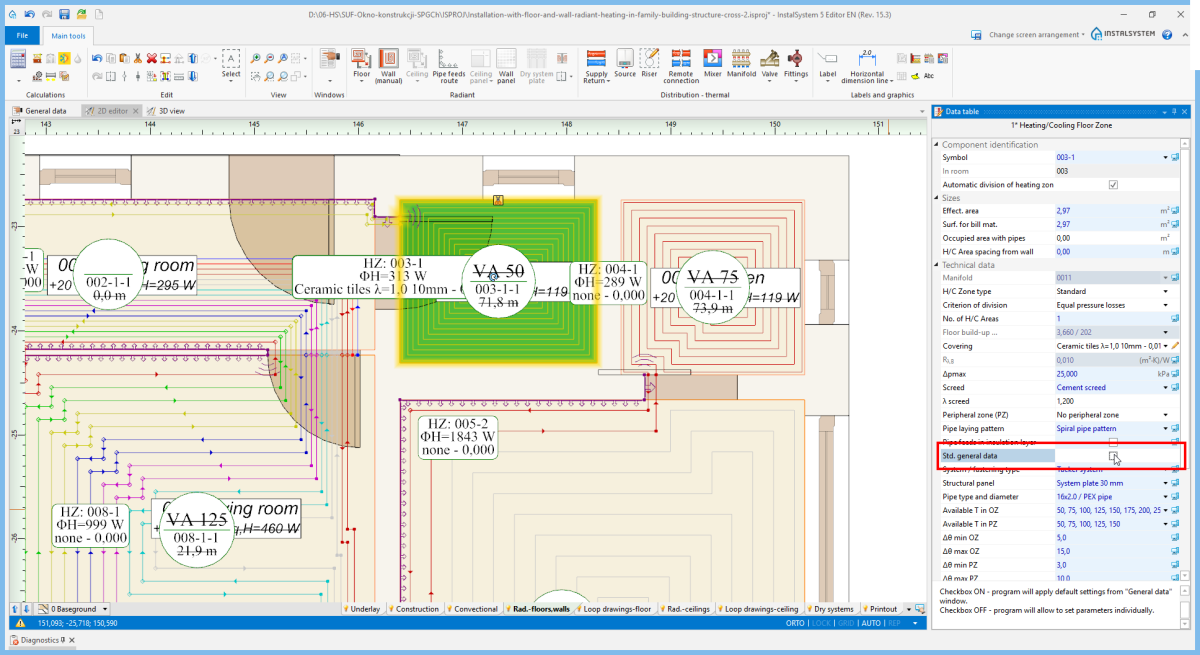
In 参数表 of the element 供热/供冷区, the user ticked off 标准基本参数 - otherwise, the field is available only in the 自动 status, with no edition possibilities. 12. 系统构造板- selection in 参数表
绝热层选择
13. 绝热层选择
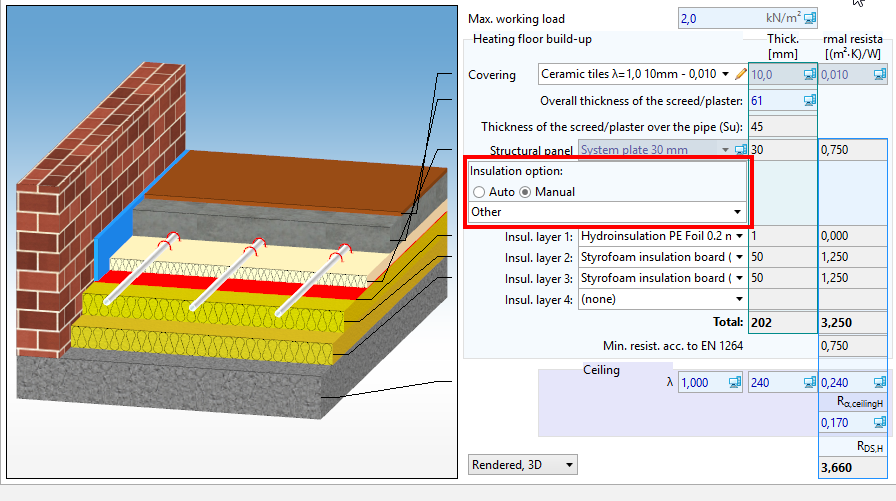
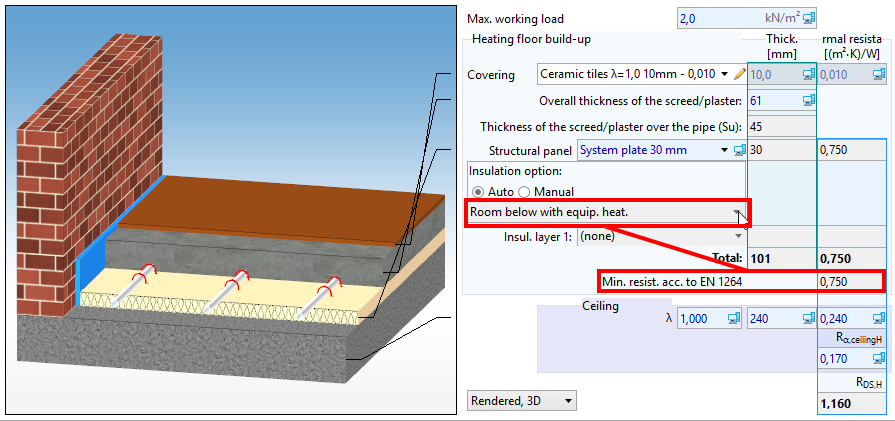
自动 The program selects 绝热层选择 with minimal resistance according to EN 1264: 1:2011 2:2013 3,4:2009 5:2008 for a given structural panel and upon the 另一侧的温度 value. 14. 绝热层选择 - 自动
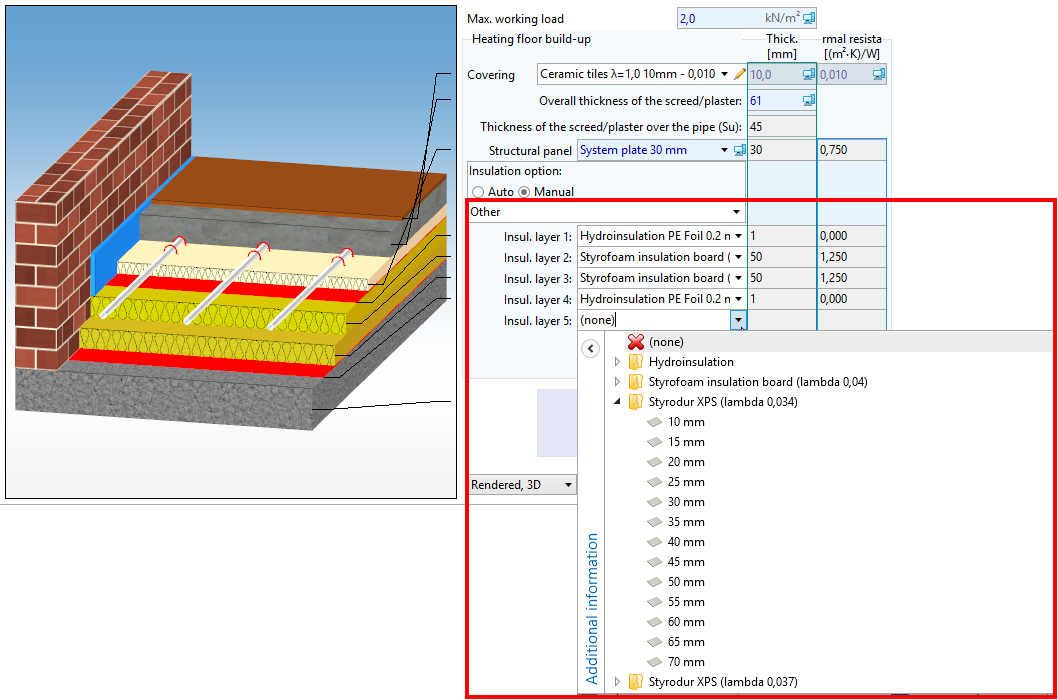
手动 It is possible to choose 绝热层选择 from the catalogue or to define one's own by choosing particular insulation layers (up to 5 layers). 15. 绝热层选择 - 手动
盘管辐射构造断面图
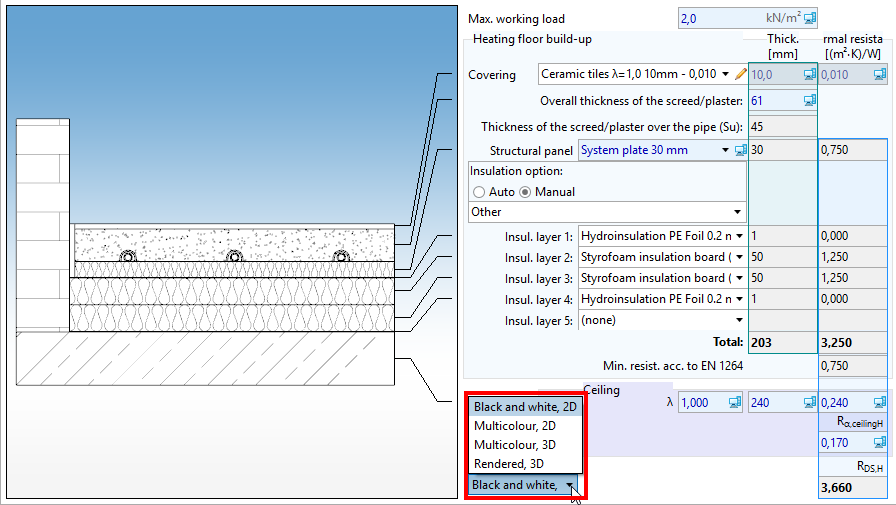
The user may change the way in which the structure cross section drawing is presented.
16. 盘管辐射构造断面图
Structural and heating partition data editing
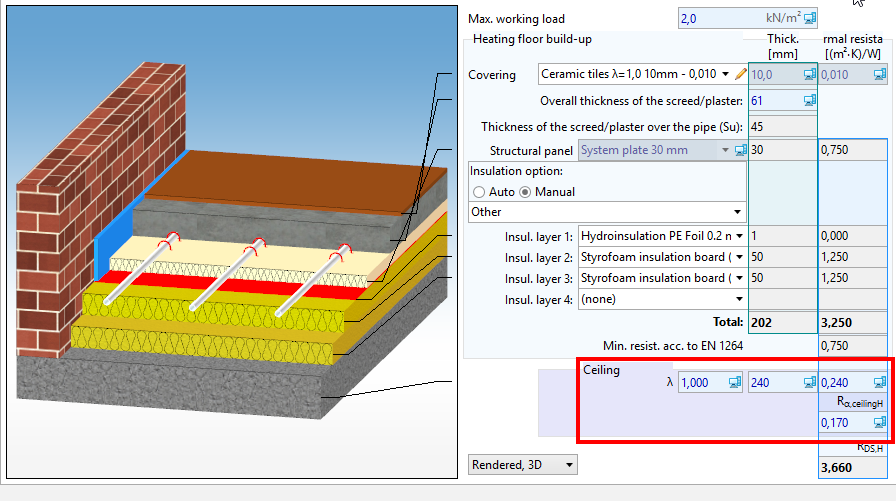
17. Structural and heating partition data
The program does not select elements among 围护结构定义 from the 建筑热负荷计算 scope, and they should be corrected manually.
From 一般参数, only the Lower slab thickness, d楼板 value is drawn. 18. Lower slab thickness, d楼板