项目使用的目录和目录数据
| 产品 | InstalSystem 5 |
| 文章类型 | FUNCTION AND TOOL |
| 版本的最新内容 | 2023-01-03 |
Description
The article describes manner of using catalogues in a project in terms of their general application, as well as the use of catalogue data in particular cases of project editing. There is also provided the information about how to use the unique features of the program to quickly find the product catalogues needed for the project.
The catalogues contain, in addition to technical specifications, information on interdependencies between the products that are used in advanced algorithms of selecting and sizing connections, accessories and in calculating specific functional groups. Based on that, in addition to calculation results and component parameters (e.g. initial settings of control valves) the program generates complete bill of materials.
Additional graphical and technical information on products and systems contained in catalogues supplements the design process.
Location in the program
- Product catalogues are available in the 一般参数 window in the 目录 section.
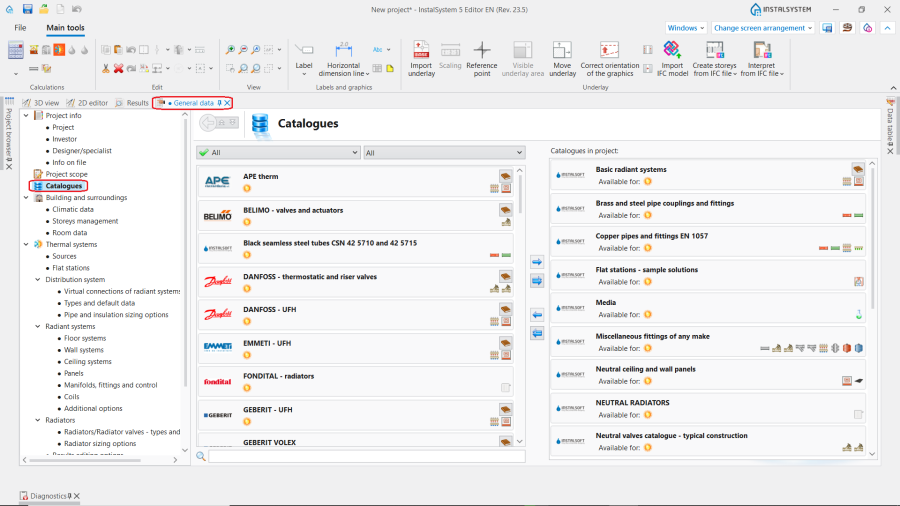
1. Product catalogues location.

Example of use
Selecting catalogues for the project
- To use the catalogue(s) in the project, it should be indicated and moved to the window on the right by pressing blue arrow button.
Catalogues filtres
The 目录 contain a wide range of materials and equipment of different producers that can be used in a project. In order to speed up the process of selecting the necessary products, there are several useful functions:
- the Product groups filter allows to filter the required product group and select the relevant сatalogues
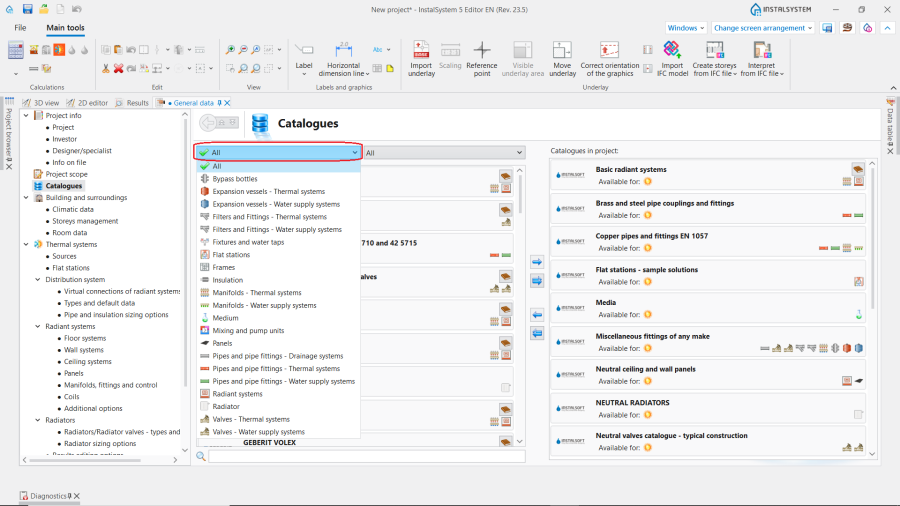
2. Product filter. - additional filter allows to display only 制造商的 сatalogues or 中性的 сatalogues created by our specialists
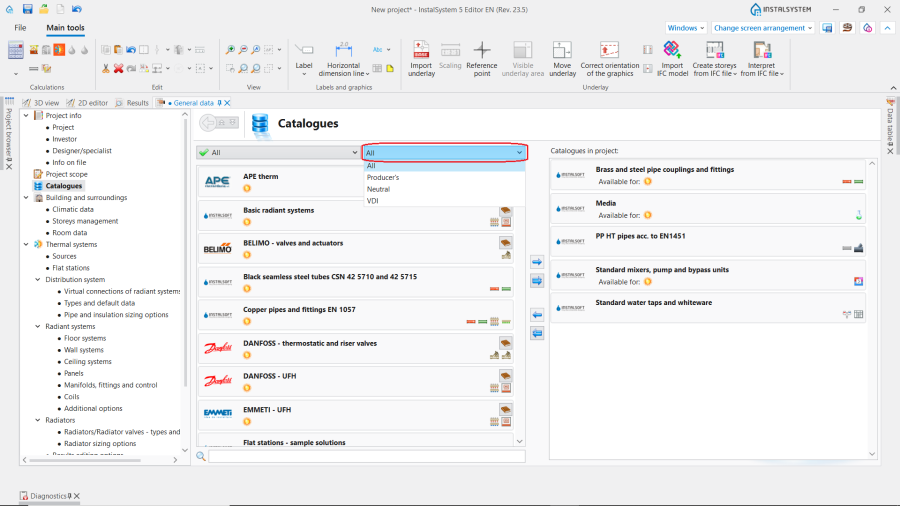
3. Producer filter. - the Search bar allows to find quickly particular producer, system or product group
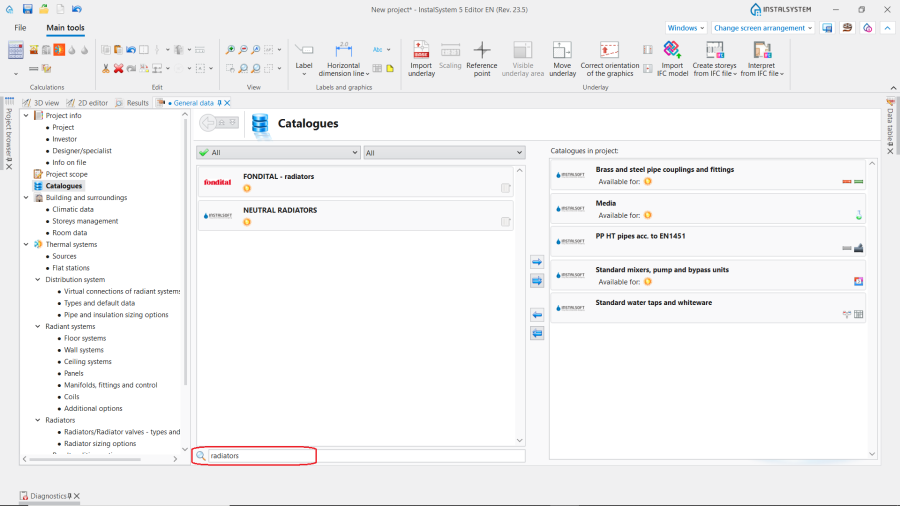
4. Catalogues browser.


Catalogue application scope
- Icons on the left side under the name of each сatalogue indicate the scope of project calculations where the catalogue can be used (供热系统计算 / 供冷系统计算 / 给水系统计算 / 排水系统计算).
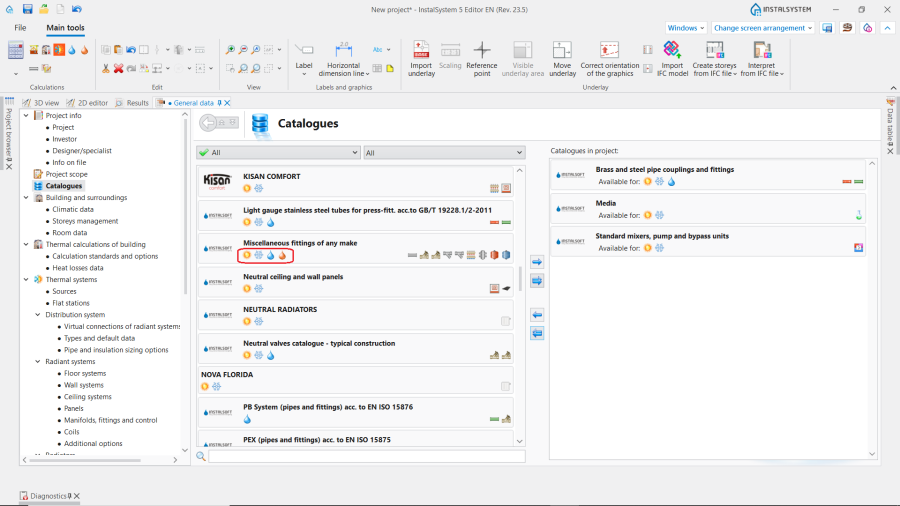
5. Catalogue application scope - systems icons. - Icons on the right side of each сatalogue shows the types of items included in the сatalogue. Each icon has an indicating drop-down hint.
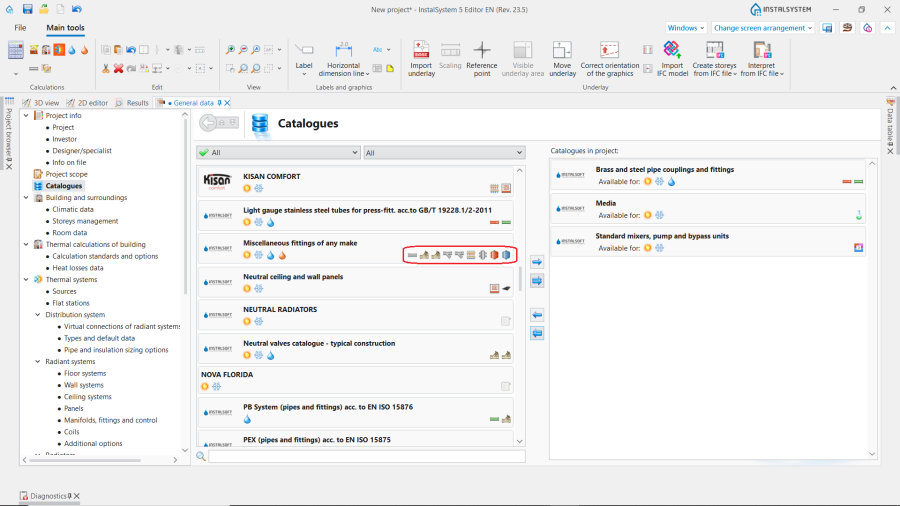
6. Catalogue application scope - items icons. - Icon on availability of additional graphic information about the producers of the products presented in the 目录 may also be located on the right side of some catalogues.
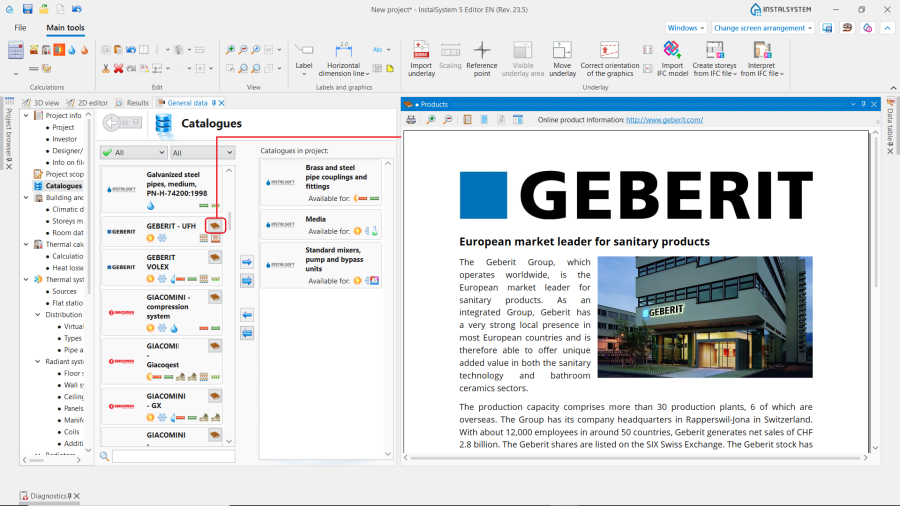
7. Catalogue application scope - graphic information icon.


Using catalogues when editing general (default) data
- The 目录 can be specified when selecting the type of systems or system components in the 一般参数 window. This data will be used by default by the program for the project calculations.
Using catalogues when editing component data
- System components can be also selected when editing a project in the 参数表 window.
Using catalogues to verify calculation results
- After calculations, the effect of used systems and items can be checked in the bill of materials.
Additional information
- Restoring the 目录选择 of sizing pipe diameters.
| If you have any comments on this article, please send us a short message at info@instalsoft.com. |
|---|