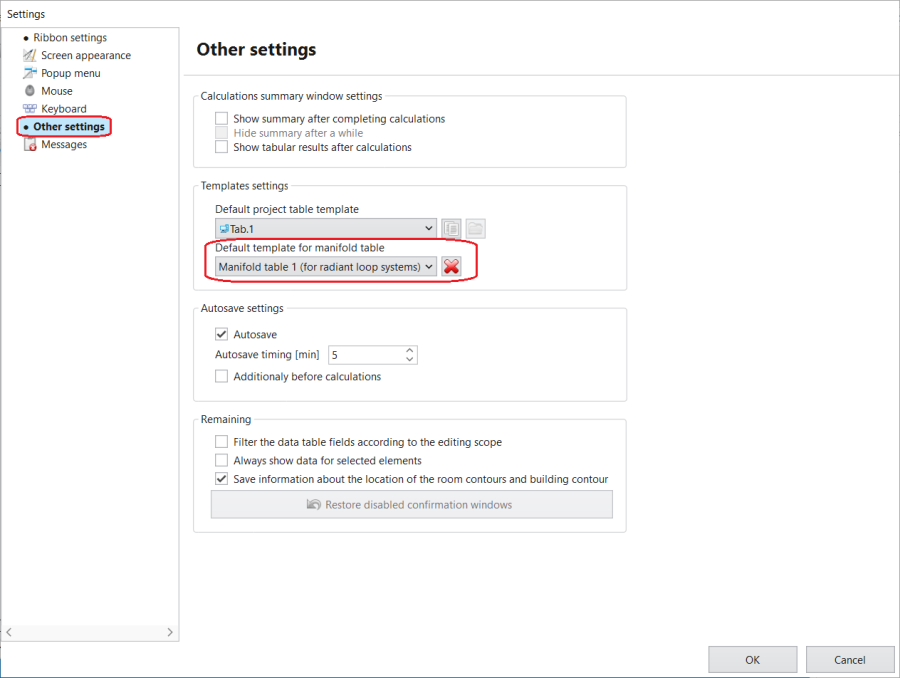
The 默认的分集水器设置表模板 is in the 设置 window, section 其它设置.
2. Selecting the default template of Manifold table
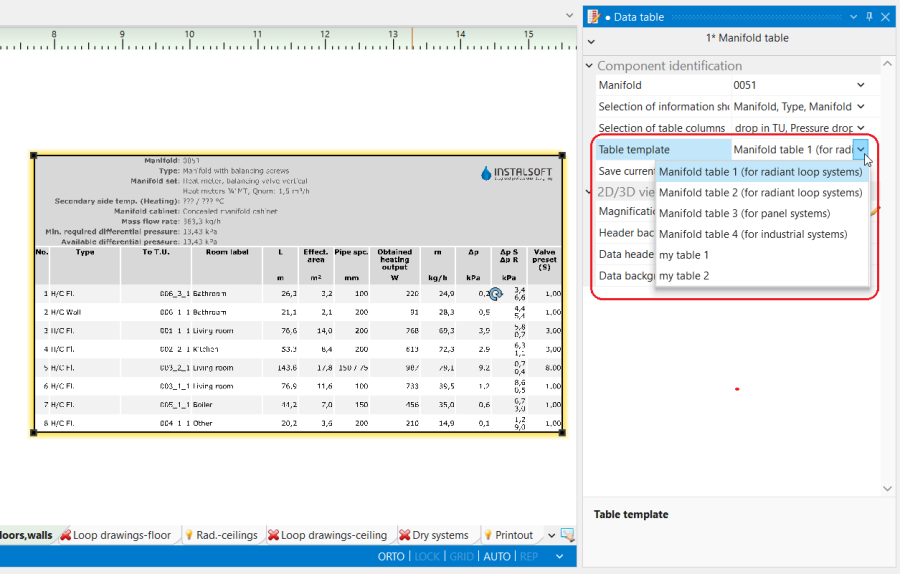
Changing the default 分集水器设置表 template for another in the 参数表 window
A template can be selected in the 表格模板 list from among predefined and user-defined templates.
3. Selecting a Manifold table template for the indicated component
Example of use
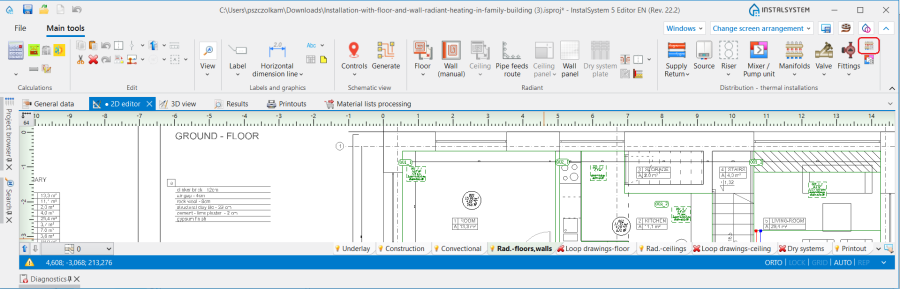
Inserting a 分集水器设置表 into the design from the 水力分配 - 供热供冷系统 toolbar.
Setting the visibility of the rows in the header of the table and the columns in its lower part.
Saving a user-defined 分集水器设置表 template.
Selectting a new default 分集水器设置表 template in program settings.
Additional information
The template created by the user includes information on the columns and rows displayed in the header of the 分集水器设置表, while the colour settings are not saved.
Editing of the 分集水器设置表 is possible within the following scopes: